

What to Do When Things Go Sideways
What to Do When Things Go Sideways
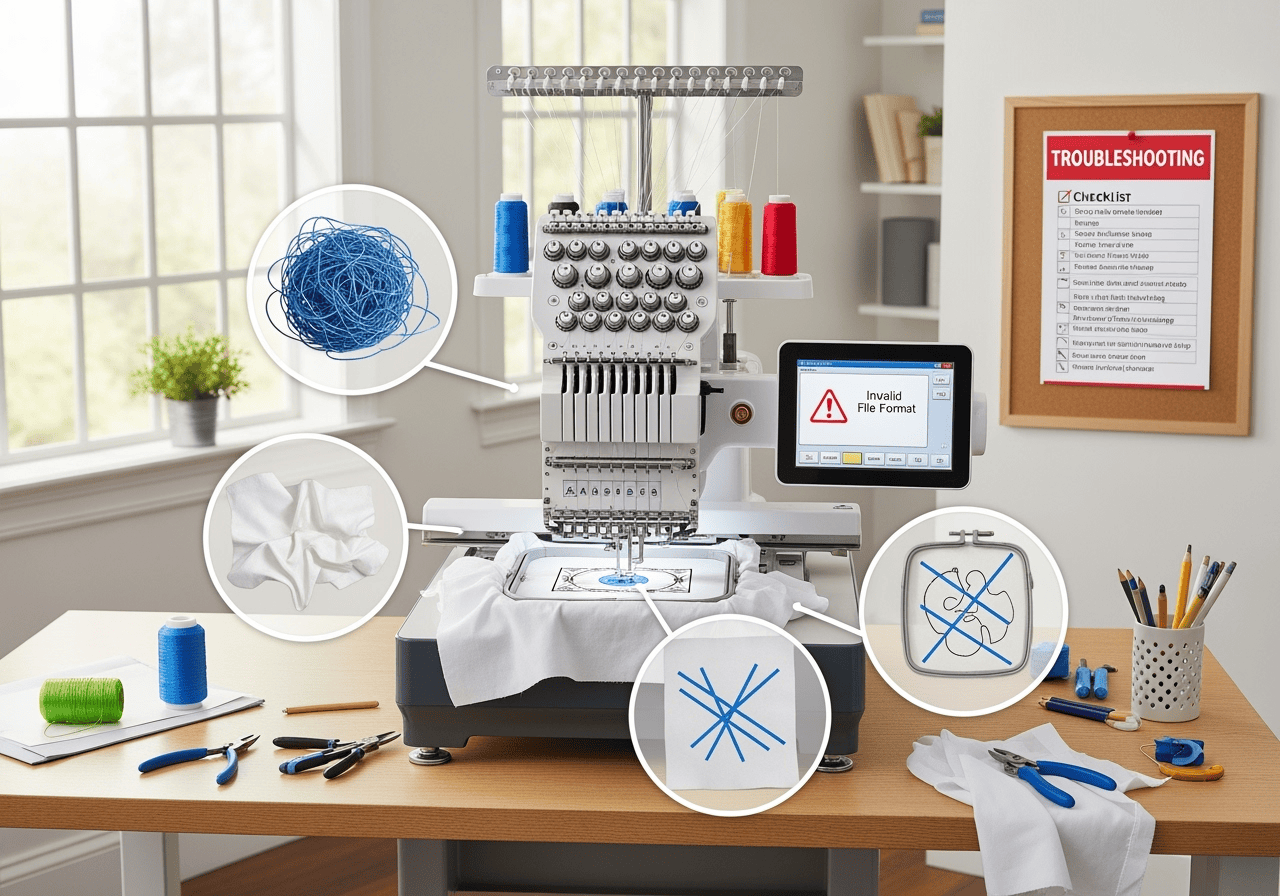 Let’s be honest—sometimes machine embroidery doesn’t go as planned. Maybe your thread snapped (again), your design looks wonky, or the fabric puckered like a raisin. Don’t worry! Every embroiderer (even the pros) faces a few hiccups. Here’s your go-to guide for troubleshooting common commercial embroidery fails—so you can fix mistakes and get back to stitching awesome stuff.
1. Thread Breaks (a.k.a. The Dreaded Snap)
Why it happens:
Wrong needle size or type
Old or low-quality thread
Tension is too tight
How to fix:
Switch to a new, quality thread spool
Double-check your needle and replace if needed
Adjust upper thread tension (loosen it a bit)
2. Puckered or Distorted Fabric
Why it happens:
Fabric not hooped tightly enough
No stabilizer or the wrong kind
Design too dense for the fabric
How to fix:
Re-hoop your fabric—aim for “drum tight”
Use the correct stabilizer (tear-away for stable fabrics, cut-away for stretchy ones)
Choose or edit designs with lighter stitch density for delicate fabrics
3. Skipped Stitches
Why it happens:
Dull or bent needle
Incorrect needle for the fabric
Machine timing is off (rare, but it happens)
How to fix:
Replace the needle with a new, sharp one
Make sure you’re using the right needle for your fabric type
If the problem persists, consult your machine’s manual or a technician
4. Misaligned Designs
Why it happens:
Fabric shifted in the hoop
Hoop too large for the design
Machine not calibrated
How to fix:
Always double-check hoop tightness before starting
Use the smallest hoop that fits your design
Run a test stitch and recalibrate your machine if needed
5. Bird’s Nesting (Thread Bunching Under Fabric)
Why it happens:
Improper threading of the machine
Bobbin not inserted correctly
Tension issues
How to fix:
Rethread your machine, top and bottom
Remove and re-insert the bobbin
Adjust tension as needed
6. Design Looks “Off” or Messy
Why it happens:
Poor digitizing (file not set up well for machine embroidery)
Wrong thread colors or types
Skipped test stitch
How to fix:
Use professionally digitized files, or ask for help refining your design
Double-check your thread choices
Always, always test on scrap fabric first
Final Thoughts
Mistakes happen! The key is to stay calm, troubleshoot step by step, and don’t be afraid to ask for help (or Google it—we’ve all been there). With each fix, you’ll get more confident and your embroidery will look better and better. And remember, even the wonkiest project can be a learning experience—or a “rustic” original!
If you’re stuck on a problem, RM Custom Screen Printing is always here to help you troubleshoot and get your project back on track.